• Share c't Digital Photography on Twitter
  • Share c't Digital Photography on Facebook
  • c't Digital Photography on Google+

Enhancing Your Photos with Texture Blending

by Bettina Steinmueller and Uwe Steinmueller

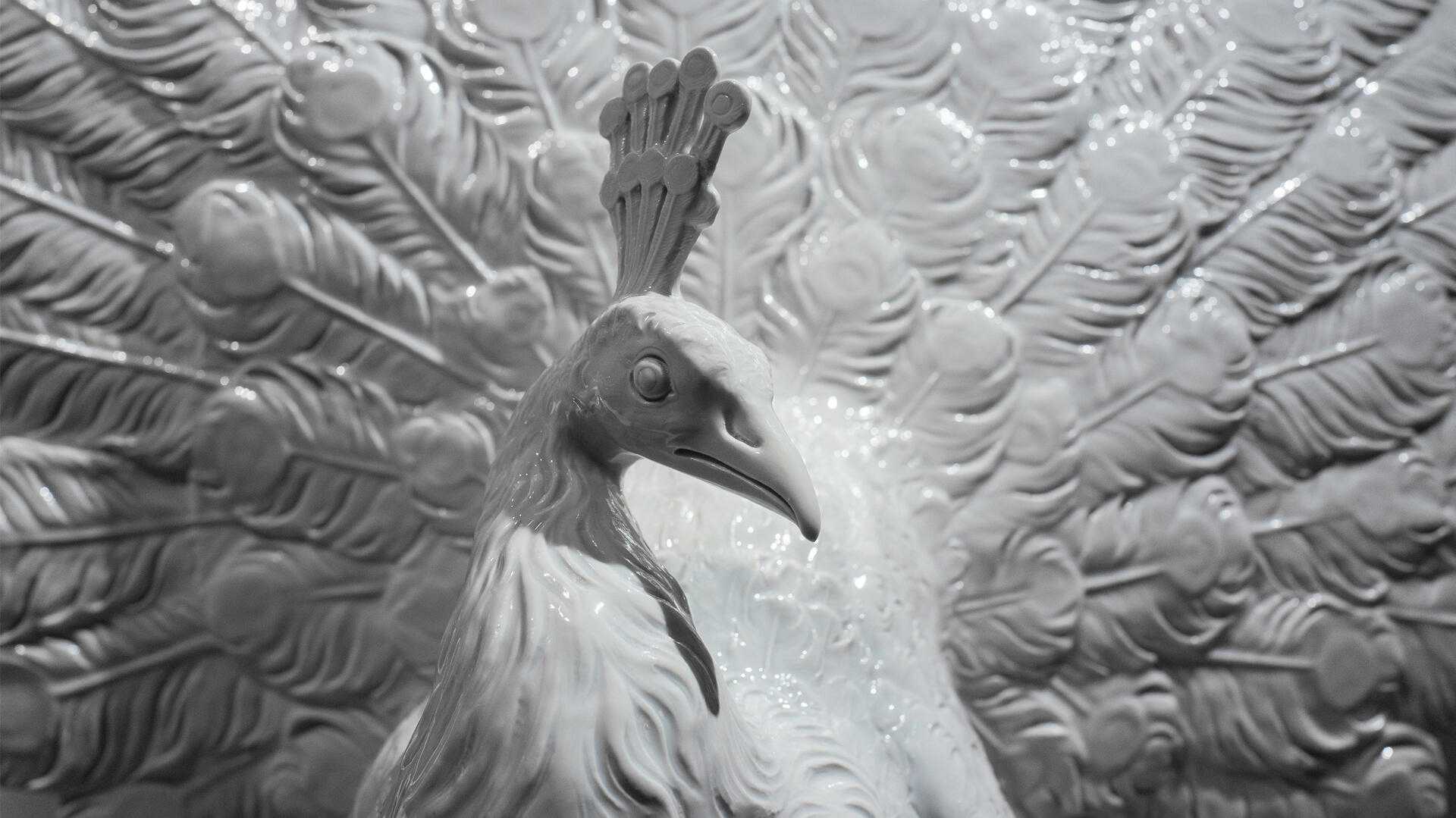
This workshop demonstrates the diversity of texture blending techniques and gives you some ideas for applying the technique to your own photos. The results are images that often go well beyond simple photorealism.

What actually is Texture Blending? The idea is to combine main and texture content to create a new, enhanced image. Texture blending can result in subtle changes that are hardly perceptible to the viewer or major changes that give a photo a completely different look. The result of blending a picture with one or more textures is often more than just the sum of the photos used. Texture blending is always a process of exploration. In one example, we use pebbles at the Pacific coast and a photo of pale grass that was shot on its own merit. Blending these images gives the resulting photo an entirely new look and feel.

The Craft of Texture Blending

Analog photographers often create blended textures by making multiple exposures. This type of blending can be done by sandwiching multiple negatives or using in-camera blending techniques. Today, the digital blending process is easier to control using Photoshop, or any other image processing program that supports layers. The following sections assume that you already have a basic understanding of working with layers.

Step 1: Adding a Texture as a Layer Add the texture image as a new layer on top of the main image. You can now apply various strategies. Either resize the texture layer to match the size of the original image (which is how we work most of the time) or, if the texture is larger than the original image, you can retain its size and simply place the section you plan to use on top of the main image. At this point only the texture layer is visible. Simply lowering the opacity of this layer often produces interesting results, but Photoshop blending modes are a much morepowerful tool.

(...)

Order issue

  • Share this article
  • Share on Twitter
  • Share on Facebook

« Back to overview

  • c't Digital Photography #6
  • Highlights of this issue’s free DVD include a complete eBook, sample images from the articles and tests in the magazine and a special offer discount for a full license of the Helicon Focus software introduced in our focus stacking article. Our additional free software includes a series of FotoTV.com videos on black-and-white photography from the early 20th century right up to today.

  • Order

Read the Editorial

Free DVD, including:

  • The Art of Black and White Photography (eBook):
    This 272-page book by Torsten Andreas Hoffmann describes how to compose successful monochrome images
  • Helicon Focus (Full Version):
    This powerful program creates one completely focused image from several partially focused images by combining the correctly focused areas from each.
  • DeblurMyImage (Full version):
    A great little tool for adding that extra dose of sharpness to nearly perfect photos.
  • Black-and-white Photography (Videos):
    This set of three videos complements this issue’s black-and-white workshop in a number of fascinating ways.

DVD Content and Highlights (PDF)